A bead pattern from a photo
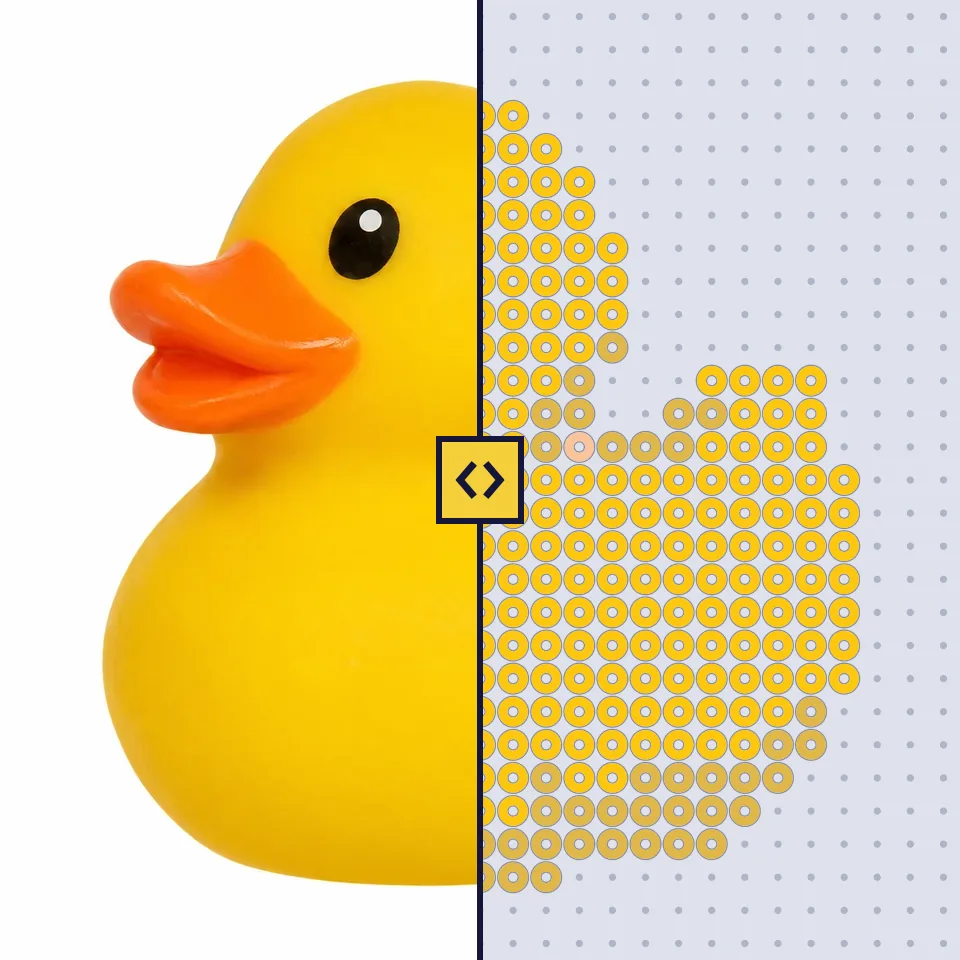
Choose a photo, crop it and get a pattern to place the beads by. Free and with no account.
Choose a photo
A pet, a cuddly toy or someone you love. It works best when what matters fills the picture and the background is calm.
Copied a picture? Paste it with CtrlV.
No photo to hand? Try one of ours:
The photo stays with you. The pattern is made here, in your browser, and the photo is never sent anywhere. If you save the pattern in your account, only the beads are kept, never the photo.
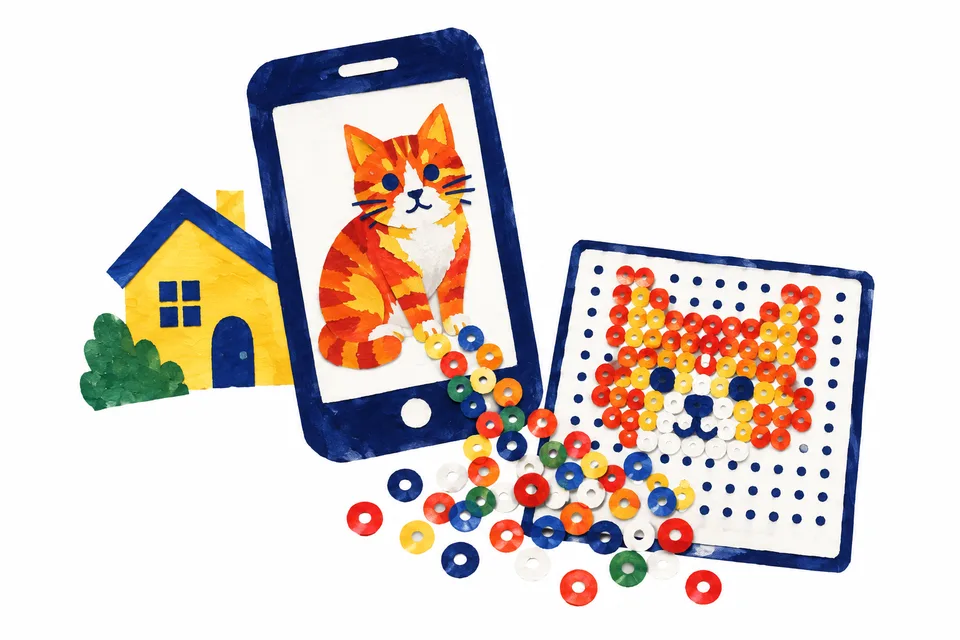
Turn a photo into a fuse bead pattern
Here your photo becomes a pattern to place on your pegboard, in the colours of the beads you have: Hama Midi, Nabbi Standard and Nabbi BioBeads.
Photo to bead pattern in three steps
- Choose a photo, or one of our three. A pet, a soft toy or a toy that fills the picture works best.
- Crop the photo and choose a size, from a small piece of a pegboard up to four pegboards. The photo is shrunk to a grid where every square is one bead.
- Each square gets the bead colour closest to the photo's colour in that spot. Choose how many colours, only the colours you have at home, and whether to leave the background empty. The list counts the beads in bags, and the pattern prints on A4, one page per pegboard.
Free, no account, and the photo stays with you
The pattern is worked out in your browser, and the photo is never sent to us or anyone else. You need no account. If you save the pattern in an account, only the beads are kept, never the photo.