Painting and colouring
Print a colouring page
From your own picture, the gallery or a private link: the picture alone on A4, which paper suits what, and what to do when the lines come out faint.
In short
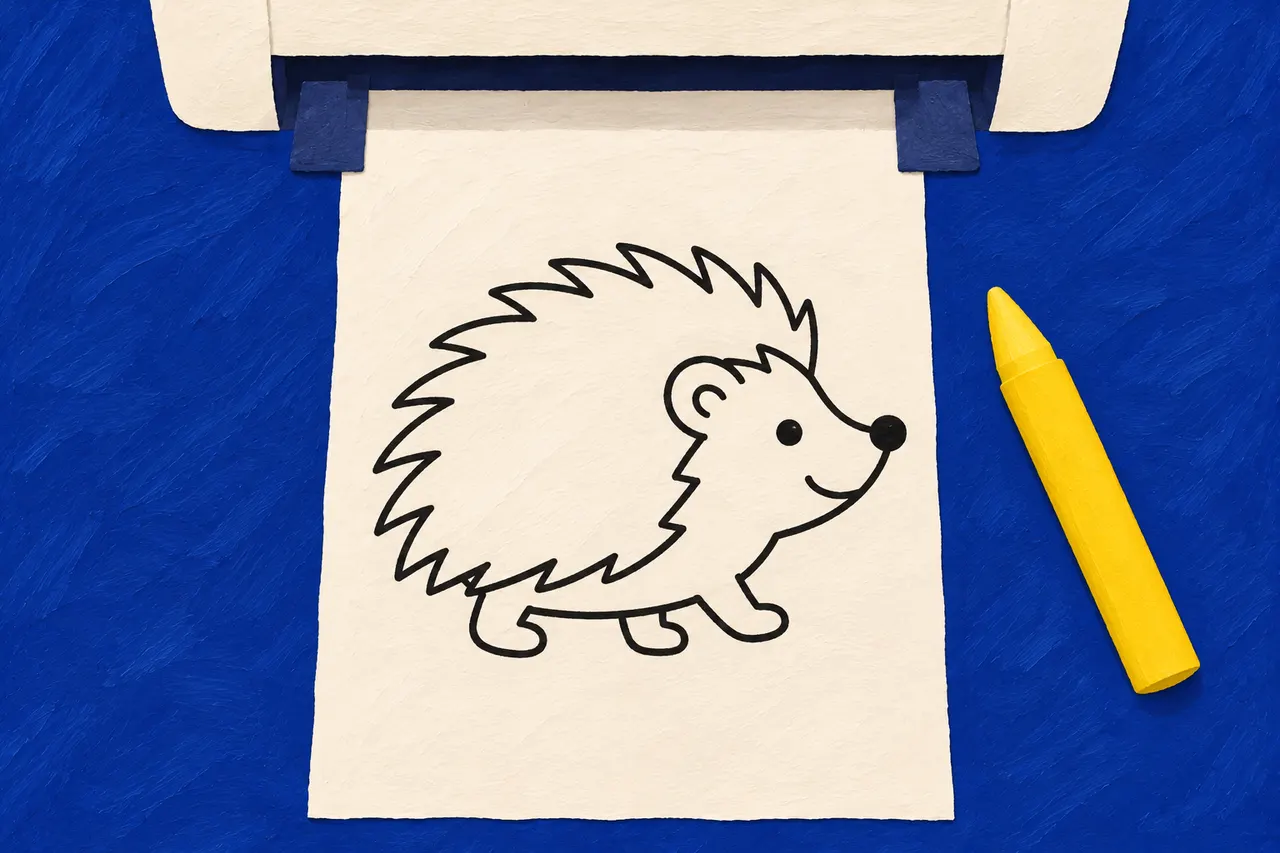
- Press Print by the picture. The picture goes on a sheet of A4 by itself, and the print window opens on its own.
- Ordinary printer paper is fine for wax crayons and colour pencils.
- Choose black ink only if the printer can, and avoid draft mode.
- Did it go wrong? Print the picture again.
Where to print
- Your own pictures are in My pictures. Open the picture and press Print.
- The pictures in the gallery can be printed by anyone, without an account. Open a picture and press Print.
- A private link that someone has sent you shows a picture to print. Open the link and press Print.
A page then opens with just the picture, and the print window appears once the picture has loaded. The picture is placed in the middle of a sheet of A4, portrait or landscape to suit its shape, and a square picture is printed portrait. Only the picture ends up on the paper: no address, no date and no header. If you closed the print window too soon, press Print again.
On a computer
Choose a printer and A4
as the paper size, and print. That is usually all it takes. If the browser shrinks the picture a little, it does not matter, since a colouring page, unlike a bead pattern, does not need to be exactly the right size.
On a phone or tablet
- iPhone and iPad: the print window appears by itself, or when you tap Print. Choose a printer and tap
Print
. If it does not appear at all, tap the Share button and thenPrint
. - Android: choose the printer at the top, and tap the down arrow if you want to choose
Paper size
A4. Then tap the round printer button. If the print window does not appear, tap the three dots in Chrome, thenShare…
andPrint
.
The phone needs to find the printer, usually on the same Wi-Fi. If it cannot, print from a computer instead.
Which paper?
- Ordinary printer paper is fine for wax crayons and colour pencils.
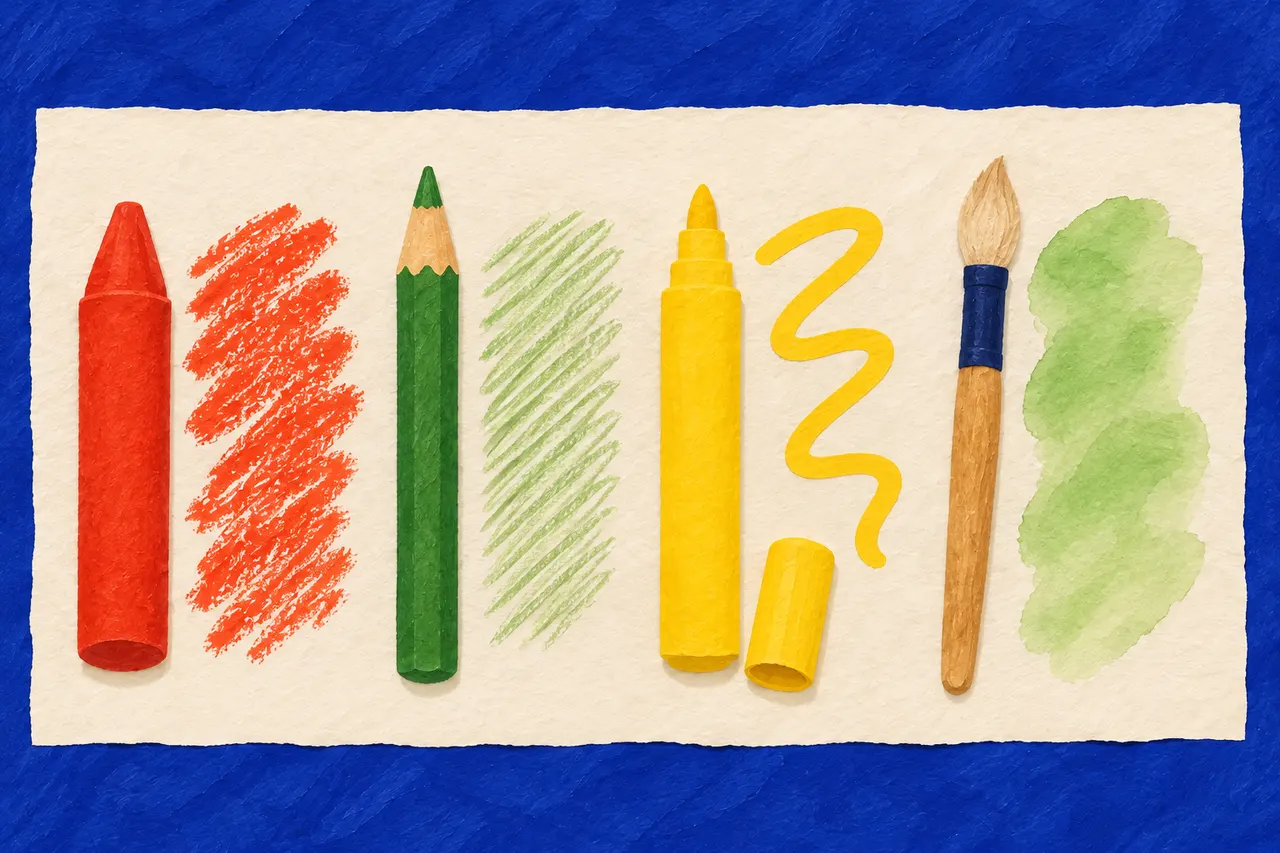
- Felt tips and watercolours prefer thicker paper, if the printer takes it. Print on one side only, as the colour can come through the paper.
More about paper and pens is in wax crayons, colour pencils or felt tips?
The ink
A colouring page is black lines on white, so black ink is all you need. If the printer has a setting to use black ink only, choose it. On some printers, greyscale can still mix colour inks into grey.
Draft mode, or fast printing, saves ink but can make the lines so faint that they are hard to follow. If the lines come out thin and grey, choose normal quality and print again.
One each, and one more
If several of you want to colour the same picture, print one each, so nobody has to wait their turn. If it did not turn out as you hoped, or you want to try other colours: print the picture again. Your pictures stay in My pictures until you delete them, and you can print the gallery's pictures as many times as you like.
Printing a bead pattern instead? Then it needs to be exactly the right size: print at the right size.
Next step
Wax crayons, colour pencils or felt tips?
What suits which age, which paper takes what, and what to do when the colour goes through.
More guides
Colouring at every age
From marks made with the whole arm to shading: what helps at each stage, and why the lines are not a test.