Fuse beads
Print at the right size
A bead pattern is printed on A4 at 100 %, not shrunk. How to choose the right settings in your browser, and how to measure the check lines.
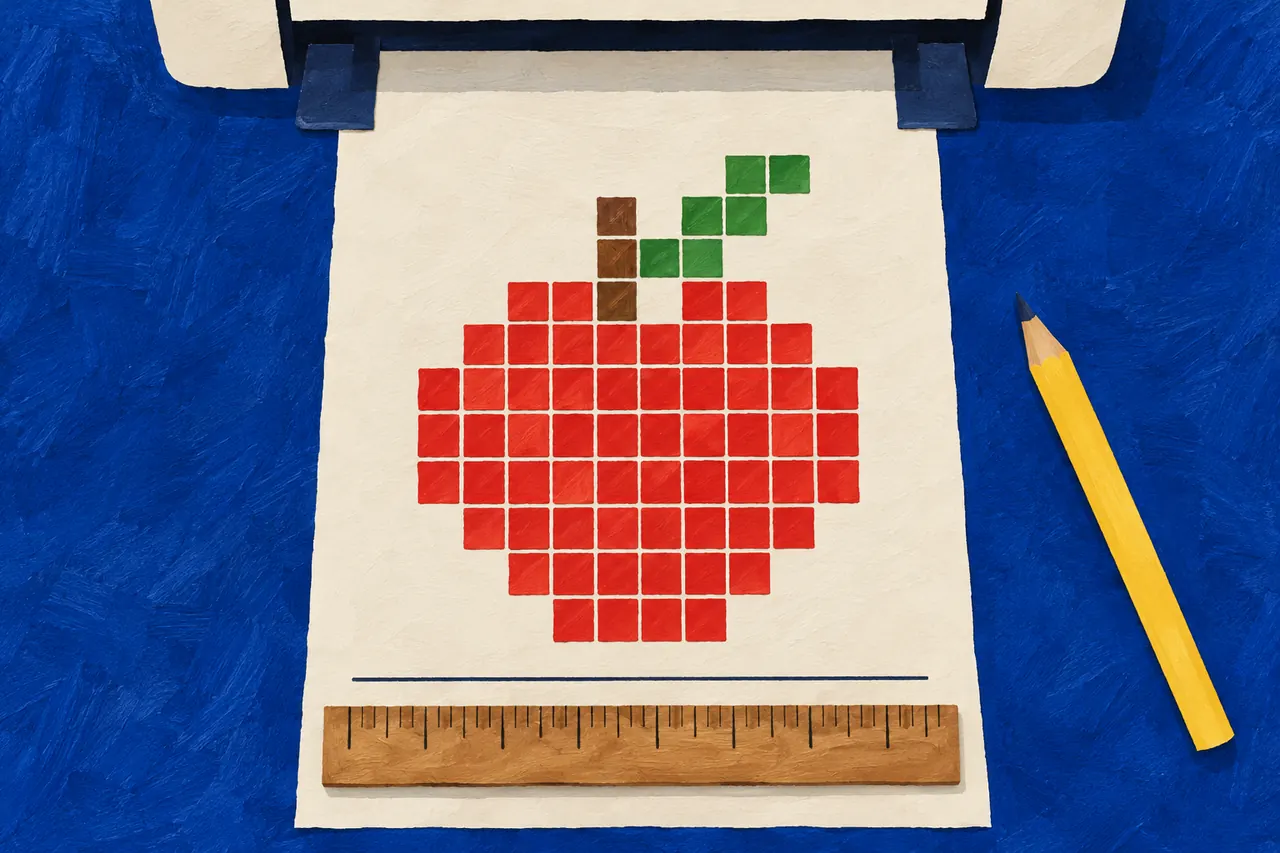
If the pattern is to go under a clear pegboard, each square must be exactly as wide as the distance between two pegs: 5 mm for Hama Midi. If the printer shrinks the page even a little, say to 94 %, the squares drift away from the pegs, a little further with every row. After 30 rows it is almost a centimetre out. If the pattern lies beside the board instead, as with a white board, the size matters less, but print at 100 % all the same.
In short
- Choose A4 as the paper size. An A4 page on American Letter paper is shrunk to about 94 %.
- Keep the scale at 100 %, or actual size, and do not let the browser fit the page to the paper.
- Measure the check lines on the sheet, one across and one down. Both should be 10 cm.
On a computer
Press Ctrl+P, or ⌘P on a Mac, while the pattern is showing. Chrome and Edge keep an A4 page at 100 % as long as it fits the paper, and Firefox only shrinks what is wider than the page. What most often shrinks a pattern is the wrong paper size, or a scale someone once changed that has stayed that way. Here is how to check:
- Chrome: open
More settings
. ChoosePaper size
A4 and, underScale
,Default
, which is 100 %. Chrome remembers if you once choseCustomised
, so check that it says nothing other than 100. - Edge: open
More settings
. ChoosePaper size
A4 and, underScale (%)
,Default
or, where it is offered,Actual size
. NeverFit to printable area
. - Firefox: open
More settings
and choosePaper size
A4. UnderScale
,Fit to page width
is chosen to begin with. It only shrinks a page wider than the paper, but to be sure, chooseScale
and type 100. - Safari on a Mac: choose
Paper Size
A4 andScaling
100 %. UnderPaper Handling
,Scale to Fit Paper Size
should be off.
On a phone or tablet
- iPhone and iPad: tap the Share button, then
Print
, and choose a printer. There is no setting for scale or paper size, so print one sheet and measure the check lines before you print the rest. - Android: tap the three dots in Chrome, then
Share…
andPrint
. Tap the down arrow and choosePaper size
A4. There is no setting for scale. If the printer's app has something underMore options
that fits the page to the paper, it should be off.
If the check lines come out wrong from a phone, print from a computer instead.
Measure the check lines
The sheet has a line across and a line down, and both should be exactly 10 cm. Lay a ruler along each, since a printer can scale the two directions differently. If both are 10 cm, everything is right.
If a line is shorter, the page was shrunk; if it is longer, it was enlarged. Check the paper size and the scale and print again. If the pattern is on several sheets, measure the first before you print the rest.
If it still comes out wrong
Some printers have a setting of their own that fits the page to the paper, among the printer's own settings. Turn that off too, and check that there is A4 paper in the printer.
Colouring pages print the same way, but there it does no harm if the page shrinks a little. How to make the bead picture once the pattern is printed is in how to make a fuse-bead picture.
More guides
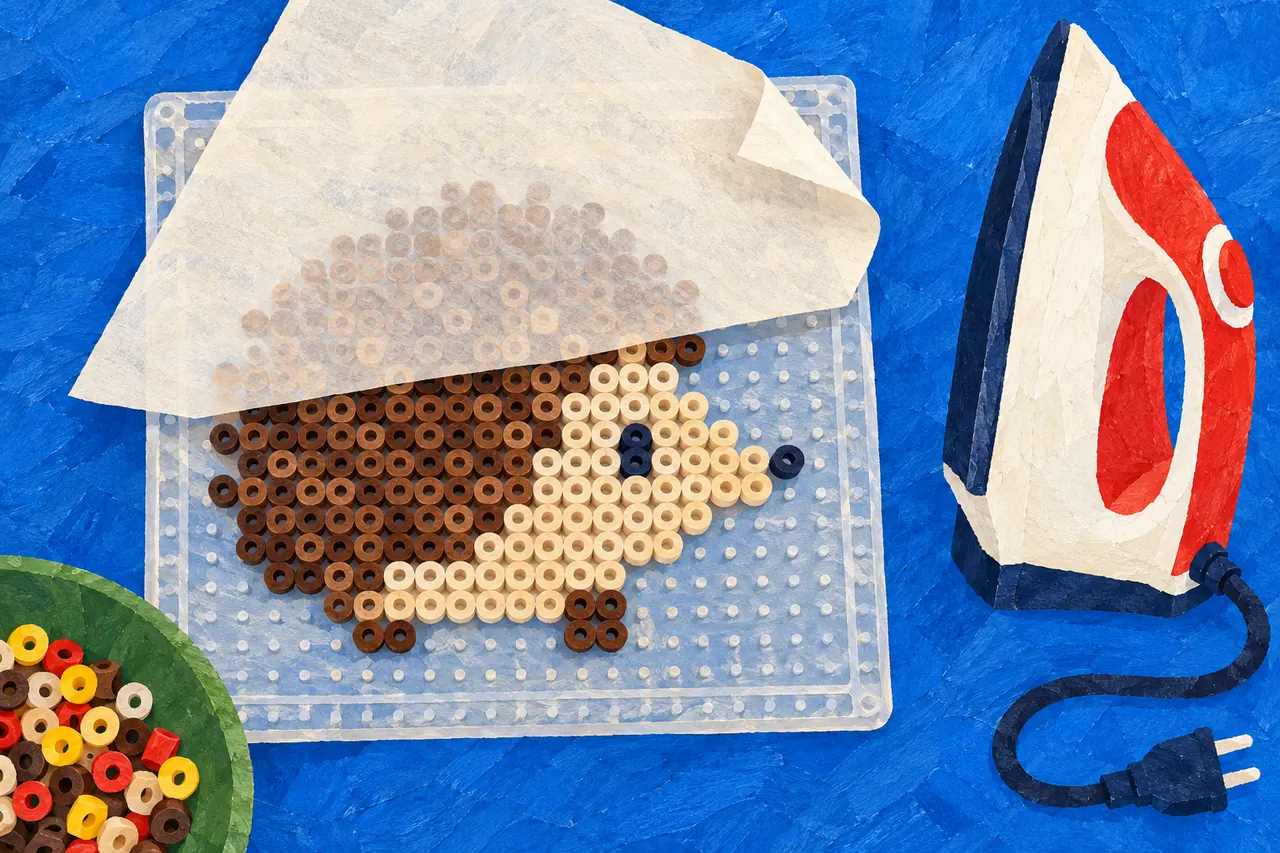
How to make a fuse-bead picture
From pattern to finished picture: lay the beads, let an adult iron them through ironing paper, and let them cool flat.
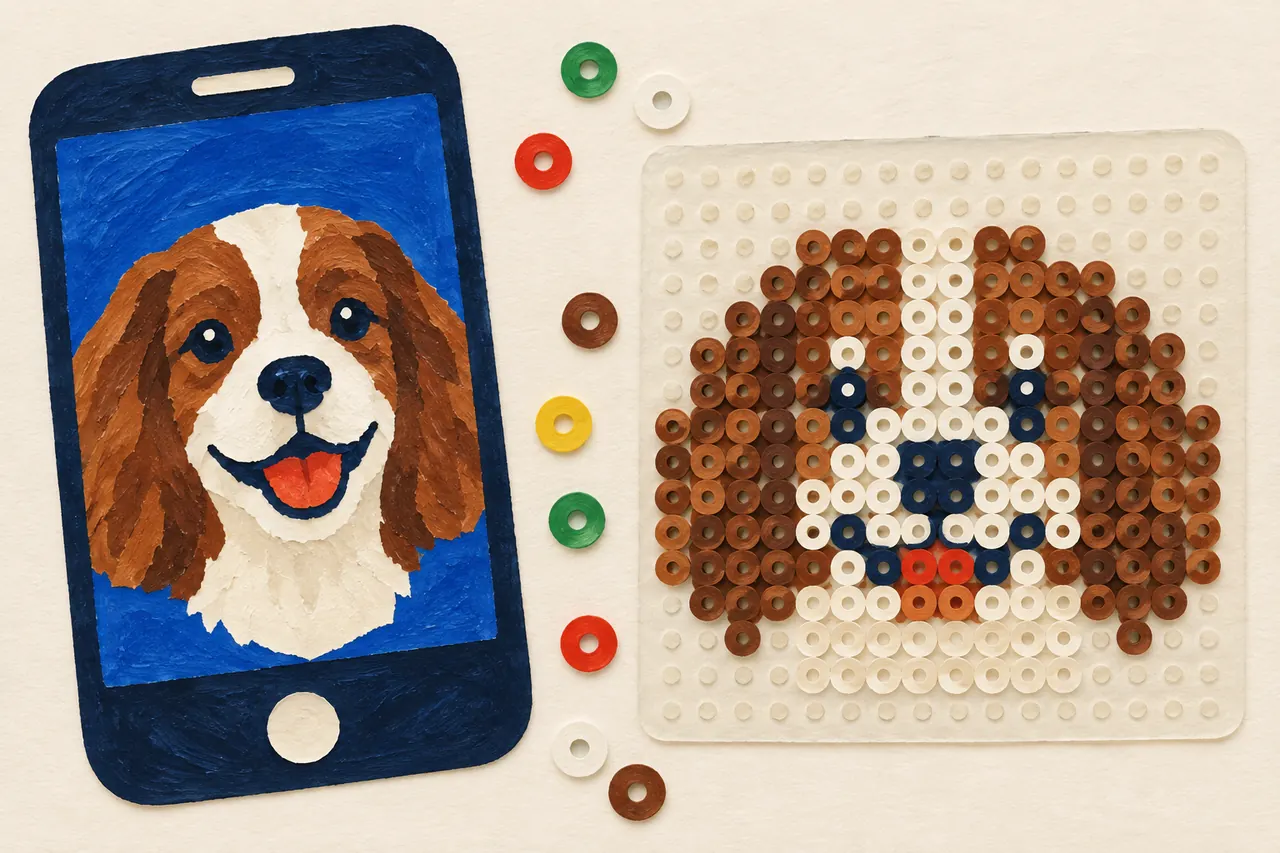
A good bead pattern from a photo
Which photos make good bead pictures, how to crop them and how to choose the size and colours.