Fuse beads
A good bead pattern from a photo
Which photos make good bead pictures, how to crop them and how to choose the size and colours.
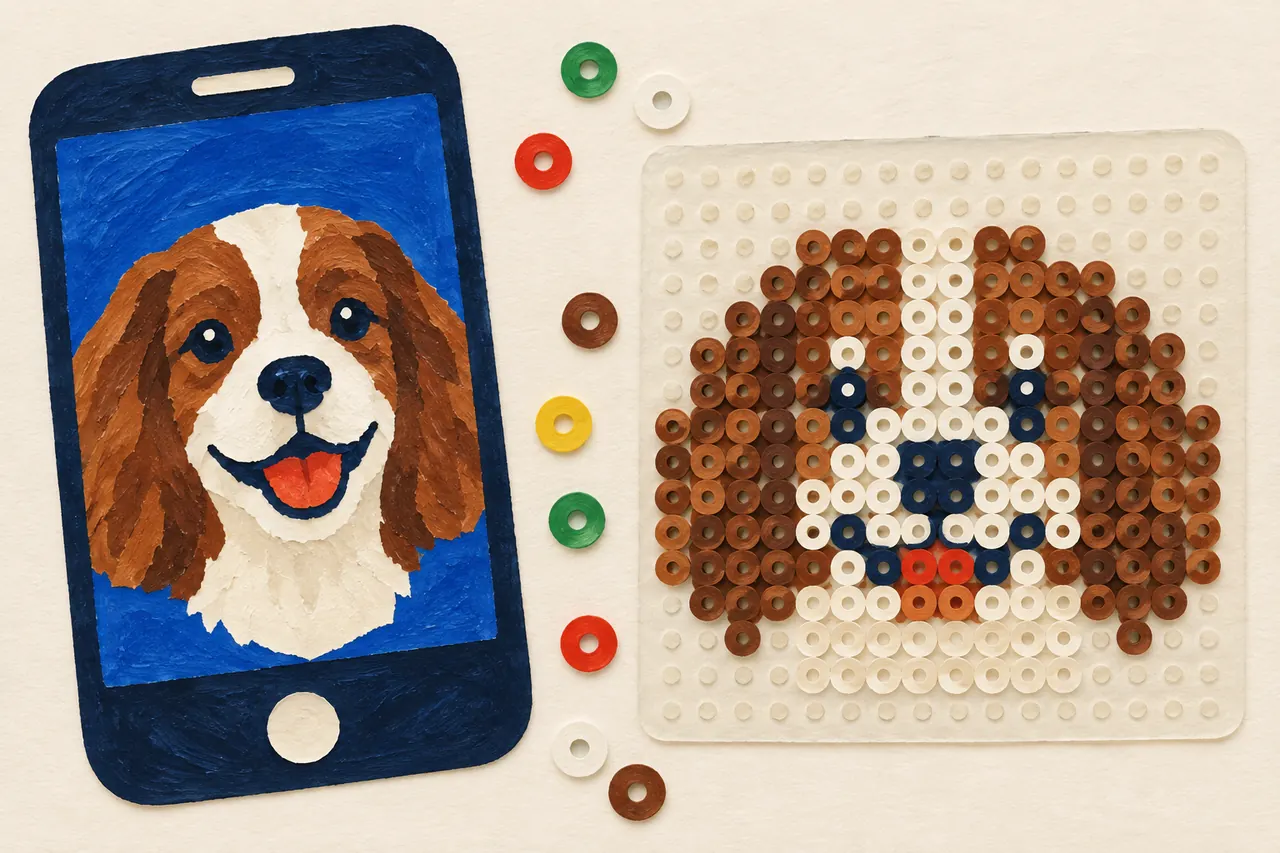
When a photo becomes a bead pattern, it is shrunk to a grid in which every square is one bead. Each square takes the bead colour closest to the photo's colour in that spot. A board holds only a few dozen beads each way, so most of the photo's detail is lost. The photo that copes best with being simplified makes the best pattern.
When you make a bead pattern with us, the photo never leaves your phone or computer: the pattern is worked out in the browser, and nothing of the photo is sent to us or to anyone else.
Choose a photo that copes with being simplified
- One subject, close up. A face, an animal or a toy that fills almost the whole picture works better than a whole family on a beach.
- A plain background in a different colour from the subject, such as a wall or the sky. Then the subject stands out, and the background can be left empty.
- Even light, ideally daylight indoors or in the shade. Light from behind and hard shadows turn into dark patches in the pattern.
- Large areas and clear colours. Small details, writing and stripes or checks become mere noise with so few beads.
Crop close
Cut away everything you do not need, so that the subject fills the square. Every bead spent on the background is one bead fewer for what you want to show.
Choose the size and colours
When the pattern is made, you can change these:
- The kind of beads. Choose the kind you have, so the colours and the size match. We are starting with Hama Midi.
- How many boards. More boards mean more beads and more detail, but also more to lay. A face often needs several boards; a simple shape manages with one.
- Fewer colours. The number of colours comes in a few steps, from all of them down to very few. Fewer colours are often calmer, clearer and easier to lay. Go down one step at a time until the picture starts to lose what matters, then go back one.
- The colours you have. Say which colours you have at home, and only those are used.
- Tidying. A lone bead whose neighbours all have another colour takes theirs, so nobody has to hunt for a single bead.
- The background. The colour along the photo's edges can be left empty, so you lay only the subject.
Try and compare
Change one thing at a time, and look at the pattern from a little way off or with your eyes half shut. Beads look best from a distance, and what you see then is roughly what you will get.
When you are happy: print at the right size, and then make your bead picture.
More guides
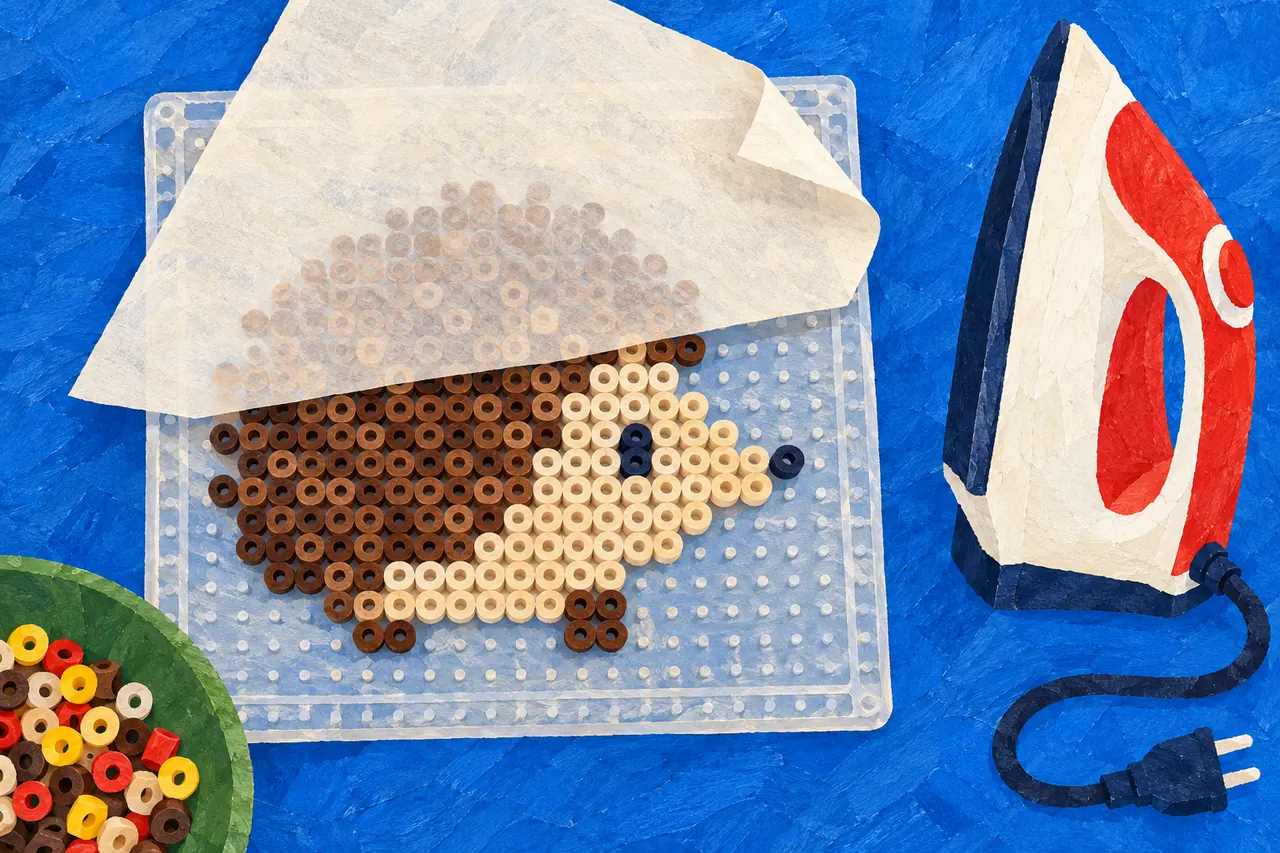
How to make a fuse-bead picture
From pattern to finished picture: lay the beads, let an adult iron them through ironing paper, and let them cool flat.
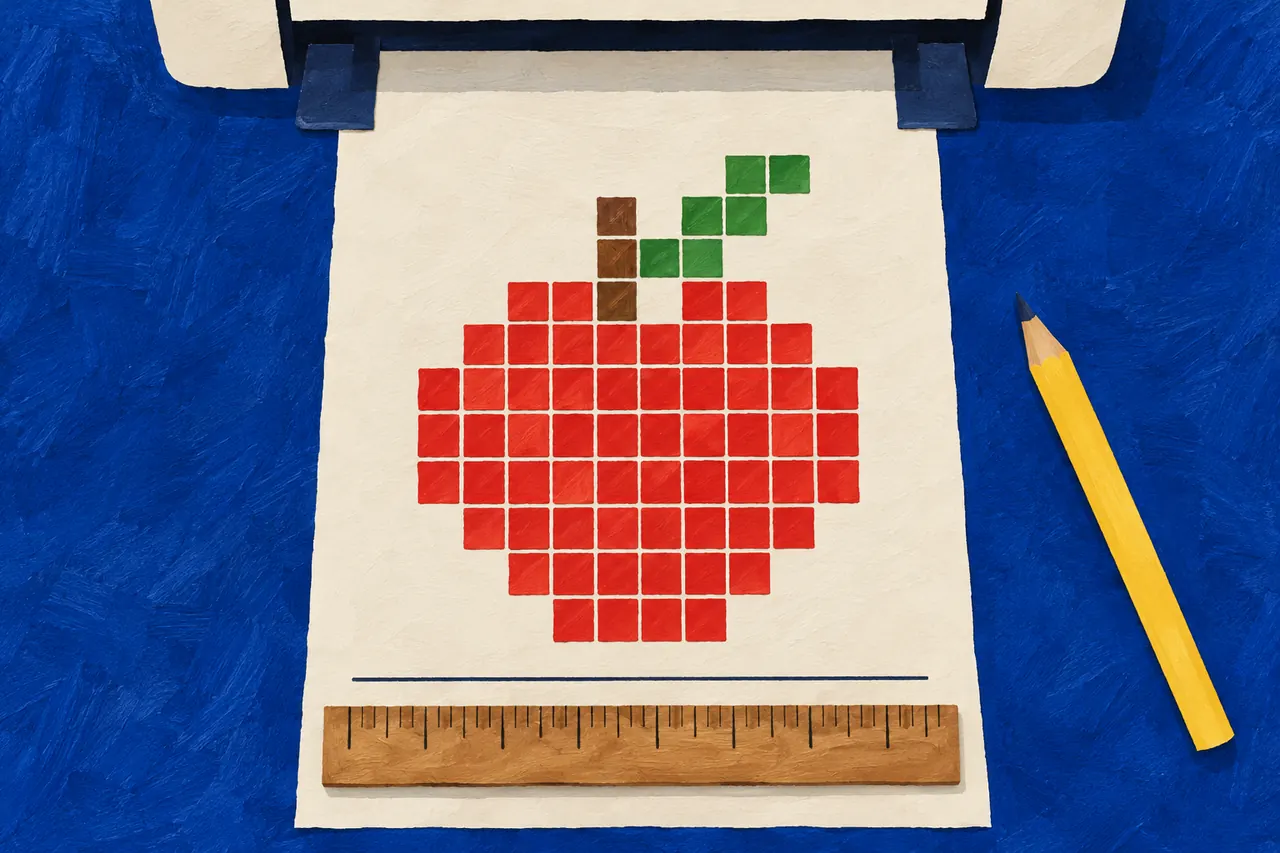
Print at the right size
A bead pattern is printed on A4 at 100 %, not shrunk. How to choose the right settings in your browser, and how to measure the check lines.